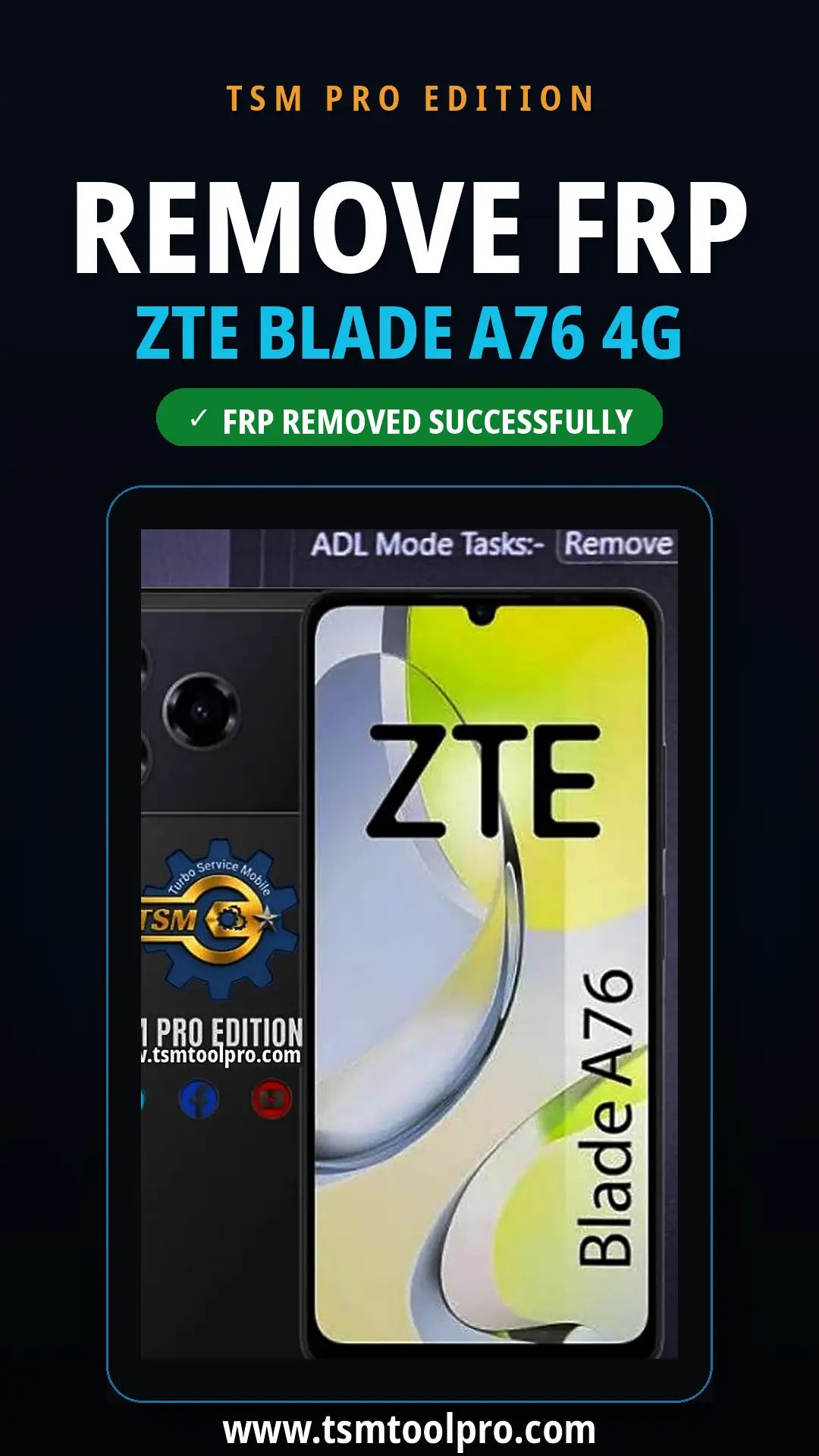
Remove FRP ZTE Blade A76 4G (model Z2474) using TSM PRO Edition with the Unisoc Tiger T616 loader. Below is the full device read info — Android 15, ums9230 platform, MyOS 15 — plus the complete operation log: userdata erased, FRP reset completed, and the phone rebooted successfully.
Tool Settings
- Port :-
- Base :- Unisoc
- Loader :- Tiger T616_64_v2
Service Tasks
- Factory Reset :- Format FS
- DIAG Task :- Read Info
- ADL Mode Tasks :- Remove
Device Read Info
- Brand : ZTE
- Manufacturer : ZTE
- Model : Z2474
- Android version : 15
- Android SDK : 35
- Platform : ums9230
- Security patch : 2026-07-05
- Build version : 20260714.050154
- Display ID : MyOS15.0.6_Z2474_EEA
- Product : EEA_P615F01
- Build ID : AP3A.240905.015.A2
- Wi-Fi MAC : 5C:4D:BF:27:91:72
- Build fingerprint : ZTE/EEA_P615F01/P6
AP3A.240905.015.A2/20260714.050154
release-keys
- Boot slot : _b
- Hardware : ums9230_6h10
Connection & Initialization
- Found Port SPRD U2S Diag (COM26) : OK
- Storage type : eMMC
- Initializing SPRD V4 : OK
- Reading GUID Partition Table : OK
FRP Reset Operation
- Erasing userdata : OK
- Erasing cache : OK
- Erasing metadata : OK
- Erasing persist : OK
- Rebooting device : OK
- #- Reset UserData and FRP completed.
- #- TSM PRO EDITION 2026.10.16-0955
- Elapsed Time : 00:55 at [2026/10/17 18:17:17]
TSM Tool Remove FRP Lock ZTE Blade A76 4G Device Just 1 Click , TSM Tool PRO Edition Support ZTE Mostly Brand Models.