
TSM Tool Pro V2.1.8-TurboServiceMobile V2.1.8
TSM Tool Pro V2.1.8 – TurboServiceMobile V2.1.8 v2.1.8
The ultimate solution for OPPO/Realme device servicing with enhanced features and 2025 model support
Advertisement Space
Download TSM Tool Pro V2.1.8
Get the latest version with all new features and 2025 model support
File size: 48.7 MB | Supports Windows 10/11
What’s New in V2.1.8?
TSM Tool Pro V2.1.8 brings groundbreaking support for the latest OPPO/Realme devices with MT6768 chipsets, including enhanced FRP removal capabilities and Android 15 compatibility.
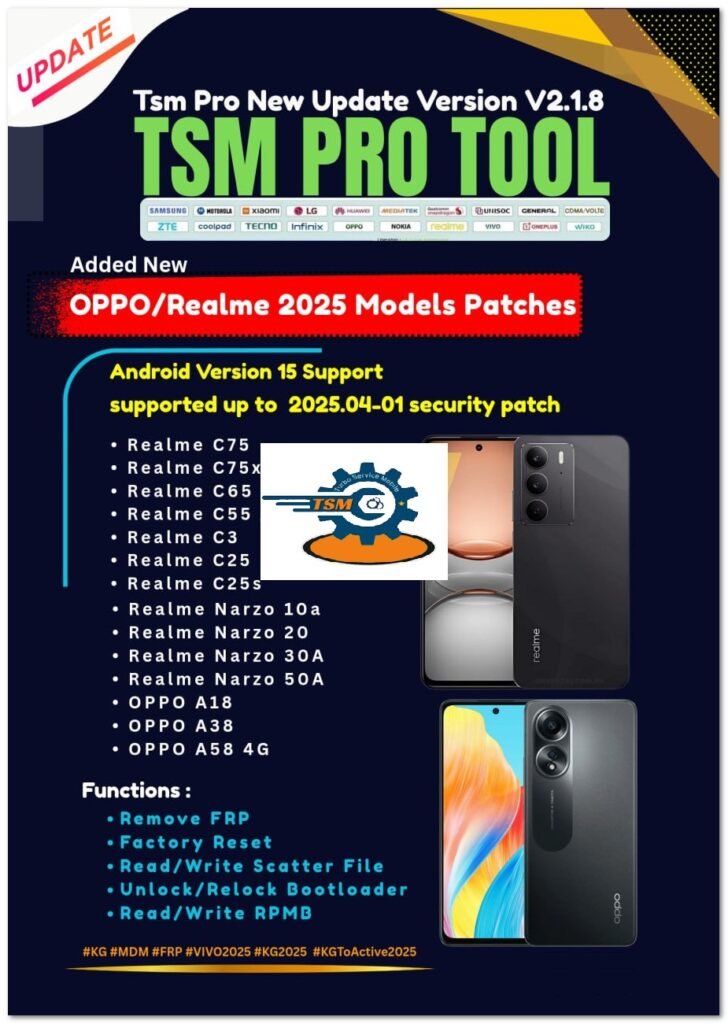
Added NEW OPPO/Realme 2025 Models Patches MT6768
Supported Operations:
- Remove FRP (Factory Reset Protection)
- Factory reset
- Read/Write Scatter
- Read/Write RPMB
Supported Models:
| Model | Android Version | Security Patch |
|---|---|---|
| Realme C75 | Android 15 | 2025.04-01 |
| Realme C75x | Android 15 | 2025.04-01 |
| Realme C65 4G | Android 15 | 2025.04-01 |
| Realme C55 | Android 15 | 2025.04-01 |
| Realme C3 | Android 15 | 2025.04-01 |
| Realme C25 | Android 15 | 2025.04-01 |
| Realme C25s | Android 15 | 2025.04-01 |
| Realme Narzo 10a | Android 15 | 2025.04-01 |
| Realme Narzo 20 | Android 15 | 2025.04-01 |
| Realme Narzo 30A | Android 15 | 2025.04-01 |
| Realme Narzo 50A | Android 15 | 2025.04-01 |
| OPPO A18 | Android 15 | 2025.04-01 |
| OPPO A38 | Android 15 | 2025.04-01 |
| OPPO A58 4G | Android 15 | 2025.04-01 |
Advertisement Space
Detailed Feature Breakdown
1. FRP Removal
The tool now features enhanced FRP removal capabilities for the latest OPPO/Realme devices. The process is:
- Connect device in FRP lock state
- Select appropriate model from list
- Click “Remove FRP” button
- Wait for process completion (typically 30-60 seconds)
2. Factory Reset
Complete factory reset with partition cleaning:
- Full wipe of userdata partition
- Cache partition cleaning
- Optional deep clean (for persistent issues)
- Preserves modem and IMEI information
3. Read/Write Scatter
Advanced scatter file operations include:
- Full partition table reading
- Selective partition writing
- Backup/Restore functionality
- MD5 verification
4. RPMB Operations
Secure RPMB partition handling:
- Read RPMB key
- Write RPMB data
- Backup RPMB contents
- Repair corrupted RPMB
Advertisement Space
Frequently Asked Questions
Q: Does TSM Tool Pro V2.1.8 work with older OPPO/Realme models?
A: Yes, the tool maintains backward compatibility with previous models while adding support for 2025 devices.
Q: What are the system requirements for running TSM Tool Pro?
A: Windows 10/11 (64-bit), 4GB RAM minimum, USB 2.0+ ports, and proper drivers installed.
Q: How often is the tool updated for new models?
A: Major updates are released quarterly, with emergency patches as needed for critical new models.
Q: Is internet connection required for operation?
A: Only for initial activation and updates. All operations work offline after activation.
Table of Contents
- TSM Tool Pro V2.1.8 – TurboServiceMobile V2.1.8 v2.1.8
- Download TSM Tool Pro V2.1.8
- What’s New in V2.1.8?
- Added NEW OPPO/Realme 2025 Models Patches MT6768
- Supported Operations:
- Supported Models:
- Detailed Feature Breakdown
- 1. FRP Removal
- 2. Factory Reset
- 3. Read/Write Scatter
- 4. RPMB Operations
- Frequently Asked Questions
- Ready to Get Started?