
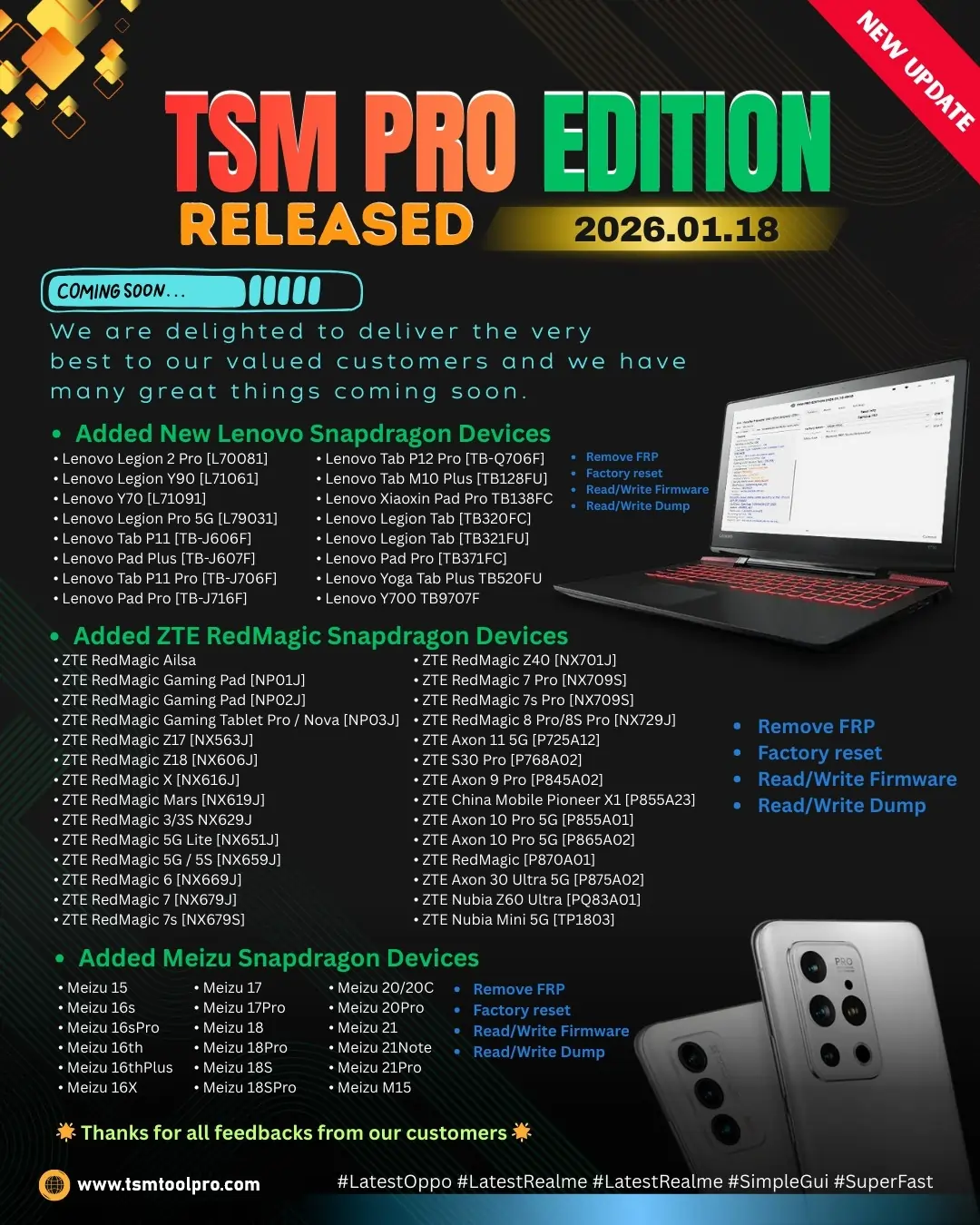
TSM PRO EDITION 2026.01.18 Latest Update
Hot Update! We are delighted to deliver the very best to our valued customers. This update brings massive support for Snapdragon devices from ZTE, Lenovo, and Meizu.
The latest version of TSM Tool Pro is here, packing powerful features for technicians. Whether you need to remove FRP, factory reset, or read/write firmware, the 2026.01.18 edition covers the newest chipset protocols.
Update Highlights & Specs
Quick overview of the tool’s capabilities in this update.
Version2026.01.18
Primary Brand SupportZTE, Lenovo, Meizu
Chipset FocusSnapdragon Gen 1/2/3
Key FunctionsFRP, Reset, Dump
What is FRP Lock?
Factory Reset Protection (FRP) is a security feature on Android devices with Android 5.1 and higher. It prevents others from using your phone if it is forcibly reset.
Why Remove FRP?
Forgot Password
Second-hand Device
Software Glitch
Second-hand Device
Software Glitch
TSM Solution: Our tool supports 1-Click FRP Removal via EDL Mode for the supported Qualcomm Snapdragon devices listed below.
Supported Models List
Lenovo Snapdragon Devices
Functions: Remove FRP, Factory Reset, Read/Write Firmware & Dump
Lenovo Legion 2 Pro [L70081]
Lenovo Legion Y90 [L71061]
Lenovo Y70 [L71091]
Lenovo Legion Pro 5G [L79031]
Lenovo Tab P11 [TB-J606F]
Lenovo Pad Plus [TB-J607F]
Lenovo Tab P11 Pro [TB-J706F]
Lenovo Pad Pro [TB-J716F]
Lenovo Tab P12 Pro [TB-Q706F]
Lenovo Tab M10 Plus [TB128FU]
Lenovo Xiaoxin Pad Pro TB138FC
Lenovo Legion Tab [TB320FC]
Lenovo Y700 TB9707F
Meizu Snapdragon Devices
Meizu 15 / 16s / 16sPro
Meizu 16th / 16thPlus / 16X
Meizu 17 / 17Pro
Meizu 18 / 18Pro / 18S
Meizu 20 / 20C / 20Pro
Meizu 21 / 21Note / 21Pro
ZTE RedMagic & Nubia
ZTE RedMagic Ailsa
Gaming Pad [NP01J/NP02J]
Gaming Tablet Nova [NP03J]
ZTE RedMagic Z17 / Z18
ZTE RedMagic 3/3S NX629J
RedMagic 5G / 5S / Lite
RedMagic 6 / 7 / 7Pro
RedMagic 8 Pro / 8S Pro
ZTE Axon 10/11/30 Pro 5G
Nubia Z60 Ultra [PQ83A01]
Bug Fix: Boot issue resolved for RedMagic Snapdragon 8 Gen 3 [SM8650-AB].
Technician Success Story

Mateus Silva

São Paulo, Brazil
Earned $220 Today
“I had a customer with a bricked RedMagic 8 Pro stuck on logo. Other tools failed. I downloaded the TSM 2026 update, used the new ‘Read/Write Dump’ feature, and restored the device in 10 minutes. The customer paid premium for the data recovery!”
How to Use TSM Tool Pro
| Step | Action |
|---|---|
| 1 | Download and Install TSM Tool Pro 2026.01.18. |
| 2 | Login with your registered account. |
| 3 | Connect device in EDL Mode (9008 Port). |
| 4 | Select Brand/Model and click “Remove FRP”. |
Safety Tip: Always backup EFS/QCN before performing operations on flagship devices.
Frequently Asked Questions (FAQs)
Is this update free for existing users?
Yes! If your TSM Pro license is active, the 2026.01.18 update is completely free. Just run the updater.
Do I need a special cable for RedMagic devices?
Usually, a standard USB-C cable works. However, for EDL mode, you might need an EDL cable or test point method if key combinations fail.
Does this support Android 14/15 security patches?
Yes, the new update includes specific loaders to bypass security on the latest Android 14 and 15 patches for ZTE and Lenovo.
How do I fix “Driver Not Found” errors?
Ensure you have installed the latest Qualcomm USB Drivers provided in the TSM support folder. Disable driver signature enforcement on Windows.
What is “Enhance Meta Functions”?
This improves stability when reading info or factory resetting MediaTek devices in Meta mode, reducing connection drops.